
Can you trust the QR code on a parking meter?
A sticker can sit on a real meter and send your parking fee to someone else. Check the operator and the zone on the fixed sign before you tap the link or enter your plate number.
Check a parking link →One free scan. Full findings require Pro.
Use the public website address. Leave out your plate or session ID.
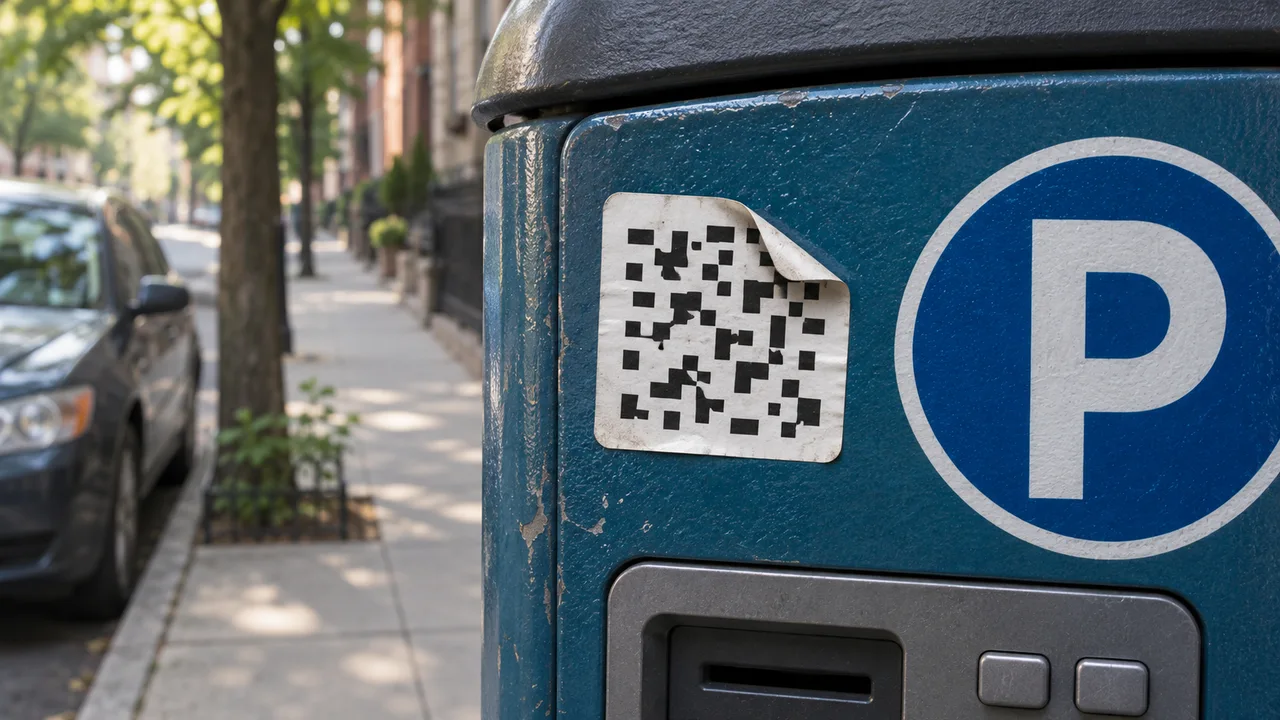
Check the instructions fixed to the meter
Look past the sticker. Read the name of the operator and the zone or meter number on the permanent sign. If you already have the operator’s app, open it yourself and compare the zone in the app with the one at your space. Otherwise, look up the city’s parking department independently and use the payment options it lists. A QR sticker alone cannot establish who receives your card details.
In New York City, for example, the Department of Transportation documented a sticker that directed drivers to an outside site for payment. For city meters, its instructions direct drivers to the ParkNYC app or payment at the meter. If you are standing at a privately operated lot or in a different city, check that operator’s own instructions. NYC DOT sticker advisory · NYC’s current meter payment options
What to look for in a QR preview
If your camera already shows a destination, pause before tapping the banner. Read the website address. A parking logo on the sticker tells you little about the site behind it. A lifting corner or a second layer of paper is a reason to use another payment route. A neatly applied sticker deserves the same address check. FTC parking QR guidance
- You can see only a shortened address
- If you need to pay now, use the meter or the operator’s verified app. A link shortener gives you too little information to choose a payee.
- The page uses the right logo and asks for a plate number
- A copied logo and a routine parking question can look convincing. Check the city’s instructions before sharing the plate or a card.
- The app lists a different zone
- Read the fixed sign at your space again. A payment for a neighboring zone can leave the wrong space on your receipt.
Check the public QR destination in Scanify
If your phone offers Copy Link in its QR preview, copy the address without opening it. If the camera only offers to open the page, skip that step and use the operator’s published payment route. You do not need to visit a suspect payment page to investigate it.
In Scanify’s URL scanner, paste the public web address and choose Run Scan. Keep plate numbers, booking references and payment-session links out of the submission. For a personalized address, check only its public hostname. That narrower check cannot assess the private page. Check a public QR destination · Scanify’s URL privacy policy
You can run one scan free. Scanify then offers checkout for the report. With Pro, you can inspect the reported destination of a public redirect and see whether sources flagged it. Even if the site gets a low score, you still need to know who authorized it to collect your fee. Check the parking operator’s published payment instructions to find out.
If you paid through a suspicious sticker
First contact the card issuer from its official app or the number on your card. Explain where you entered the details and report any transaction you do not recognize. Then check whether your parking session actually exists through the operator. A receipt on the suspect page is a poor substitute for an active session against the correct plate and zone. FTC payment recovery guidance
Report the sticker to the parking operator through its official site. Give the street, meter number and time. A photo showing where the sticker was placed can help staff locate it without asking another driver to open the link. NYC DOT’s reporting instructions for ParkNYC meters
Have the parking website address?
Check the public URL before visiting it. Use the operator’s verified payment route to start your parking session.
Check a parking link →